Purge
Clear each cycle before the arena fills with corrupted daemons.
The game
KERNEL PANIC is a fast arena shooter built around movement, aiming, pressure and run-shaping upgrades. The systems are intentionally legible: threats have distinct silhouettes, patches say what they change, and Story is separate from endless play.
Core loop
Clear each cycle before the arena fills with corrupted daemons.
Pick up memory motes, build Overclock and turn pressure into momentum.
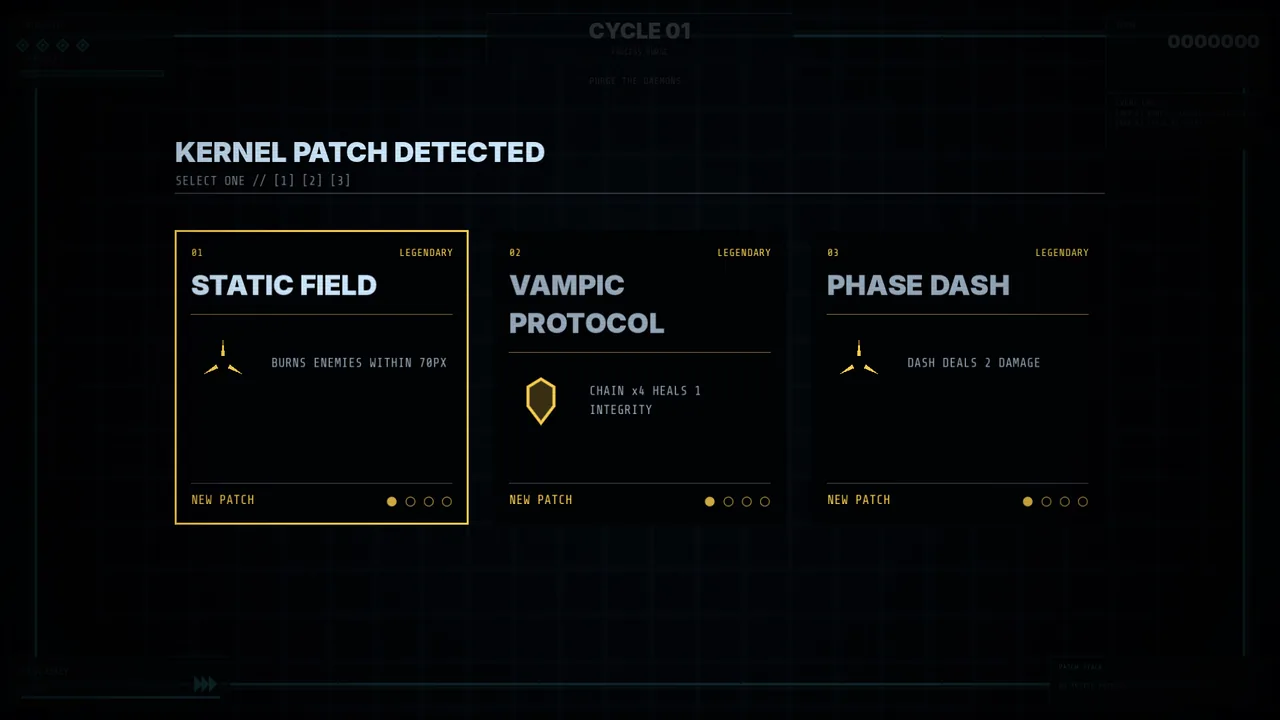
Shape each run with kernel patches, programs and different rulesets.
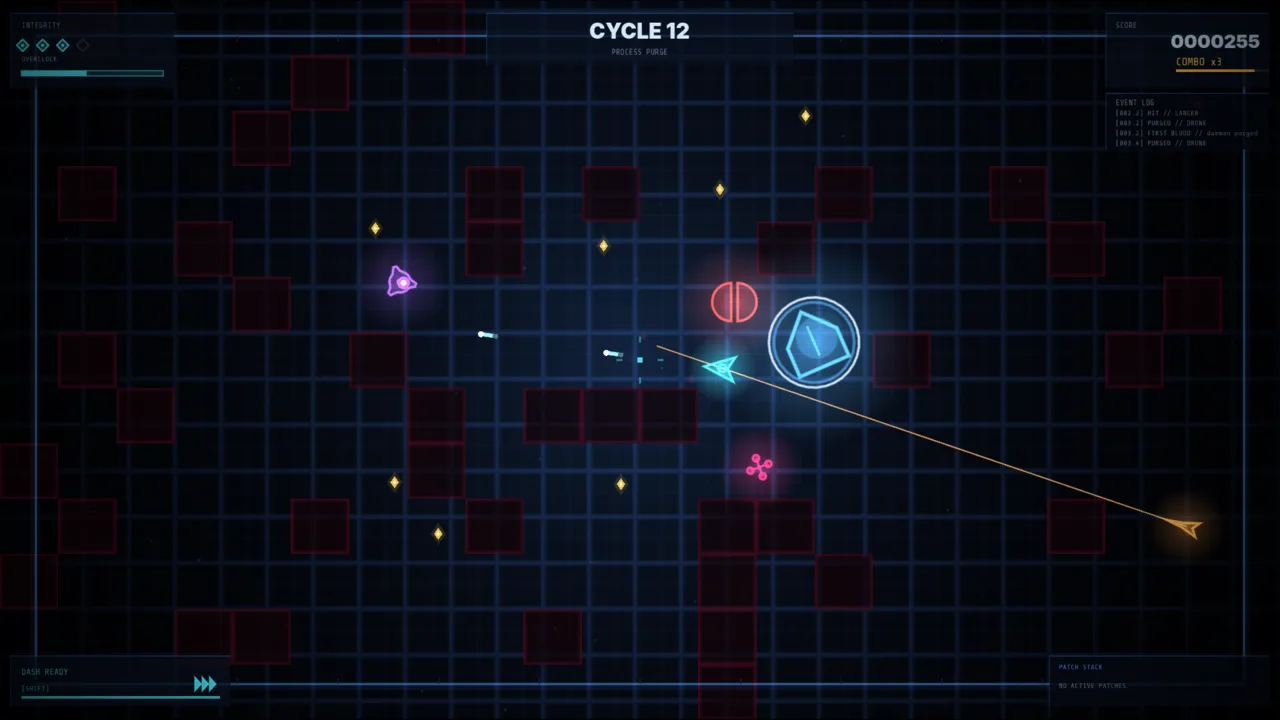
Arena
Cycles escalate, enemies occupy different tactical roles, memory motes reward aggression, and Overclock turns a good stretch of play into a temporary power spike.
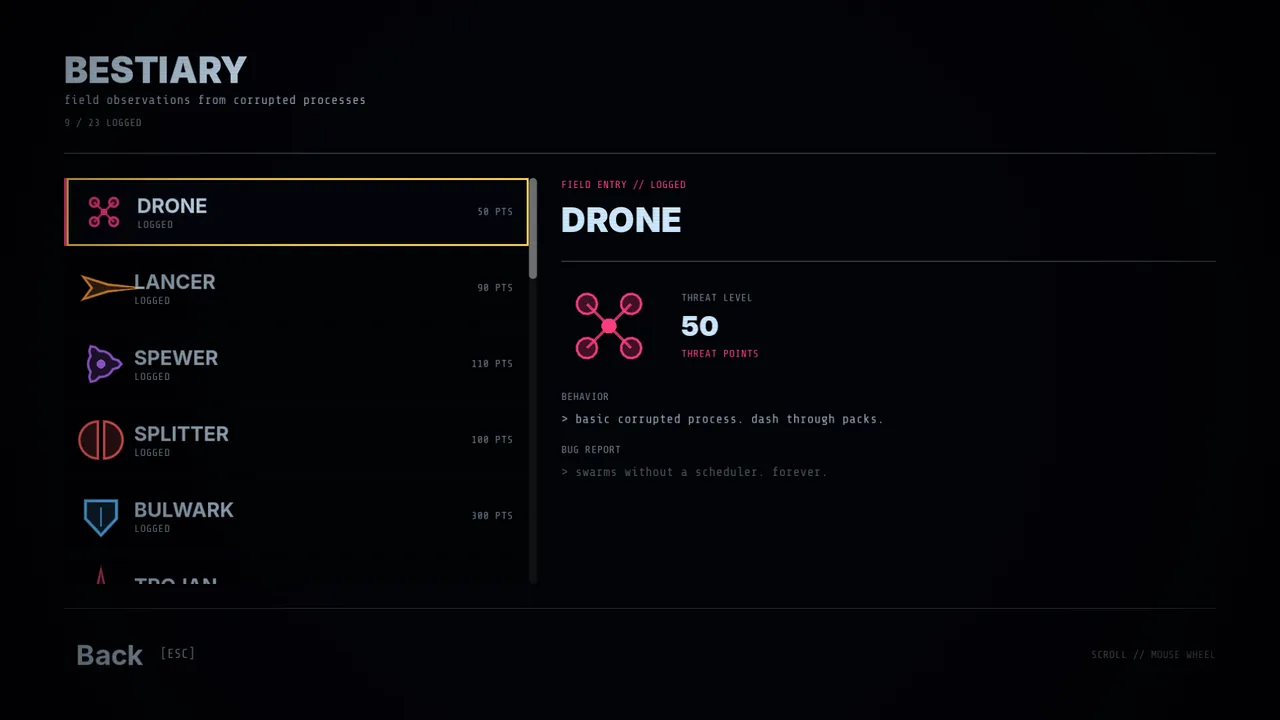
Every fifth endless cycle brings a ROOT process. First-sight bestiary unlocks and onboarding hints expose what a new threat does before the game expects you to memorize it.
Modes
The full escalating endless run.
One seed for everyone, with two traits and its own roster rolled from the week.
One integrity point. Recovery and death-save options stay out of the pool.
Difficulty
Lower pressure for endless modes.
The default endless tuning.
Higher spawn pressure and attack cadence.
Programs
Programs alter how a run feels without becoming separate classes full of hidden rules.
Four integrity, standard fire, one dash and Overclock.
ProcessThree integrity, two dashes and hot close-range fire with kill-driven dash recharge.
ProcessFive integrity, slower movement, heavy shots and a mote-powered shield instead of Overclock.
ProcessStory
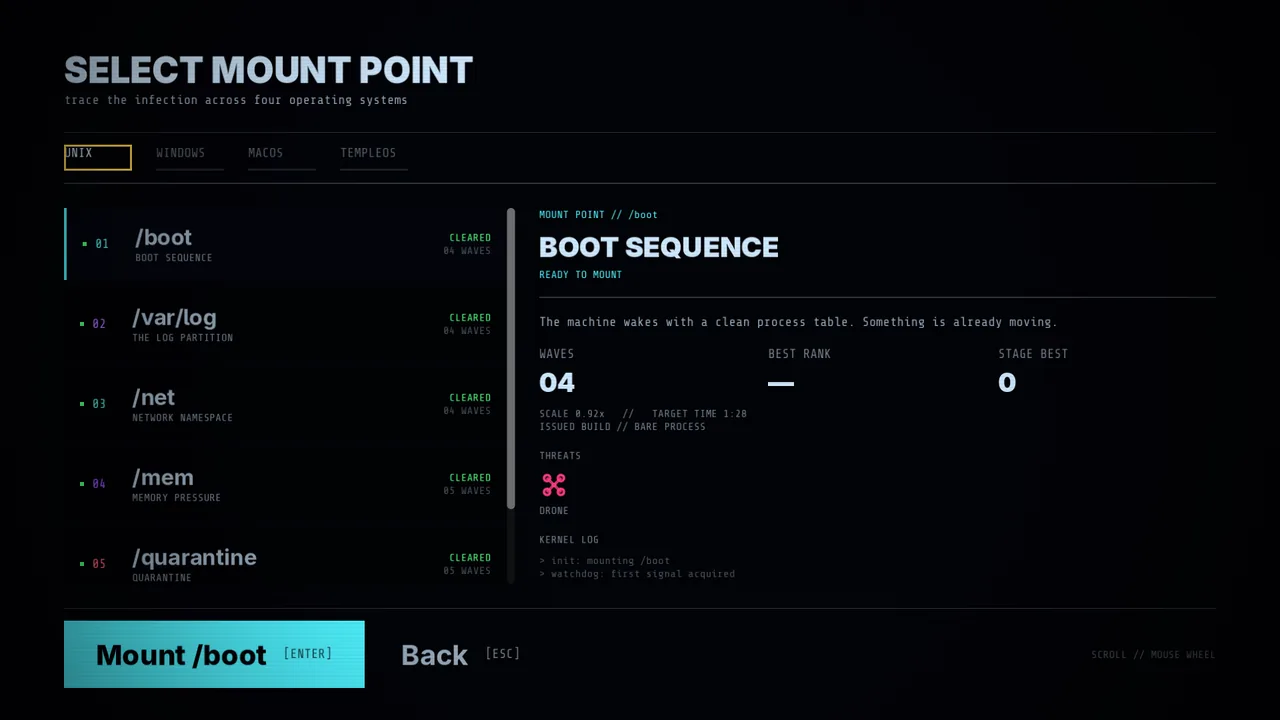
Story uses hand-authored waves, stage-specific presentation and its own progression instead of endless difficulty knobs.
/boot → /var/log → /net → /mem → /quarantine → /kernel
C:\98 → C:\XP → Win11
/System → /Applications → /Library/Updates → kernel_task
TempleOS::BOOT → TempleOS::GOD
Run knowledge
Run upgrades can modify movement, projectiles, recovery and interactions between systems.
Threat records expose behavior and bug-report flavor once the process has been seen.
Small terminal-style milestones are logged into the same diagnostic language as the rest of the game.
Settings and accessibility
The current tree includes practical input and readability options without claiming features the game does not have.
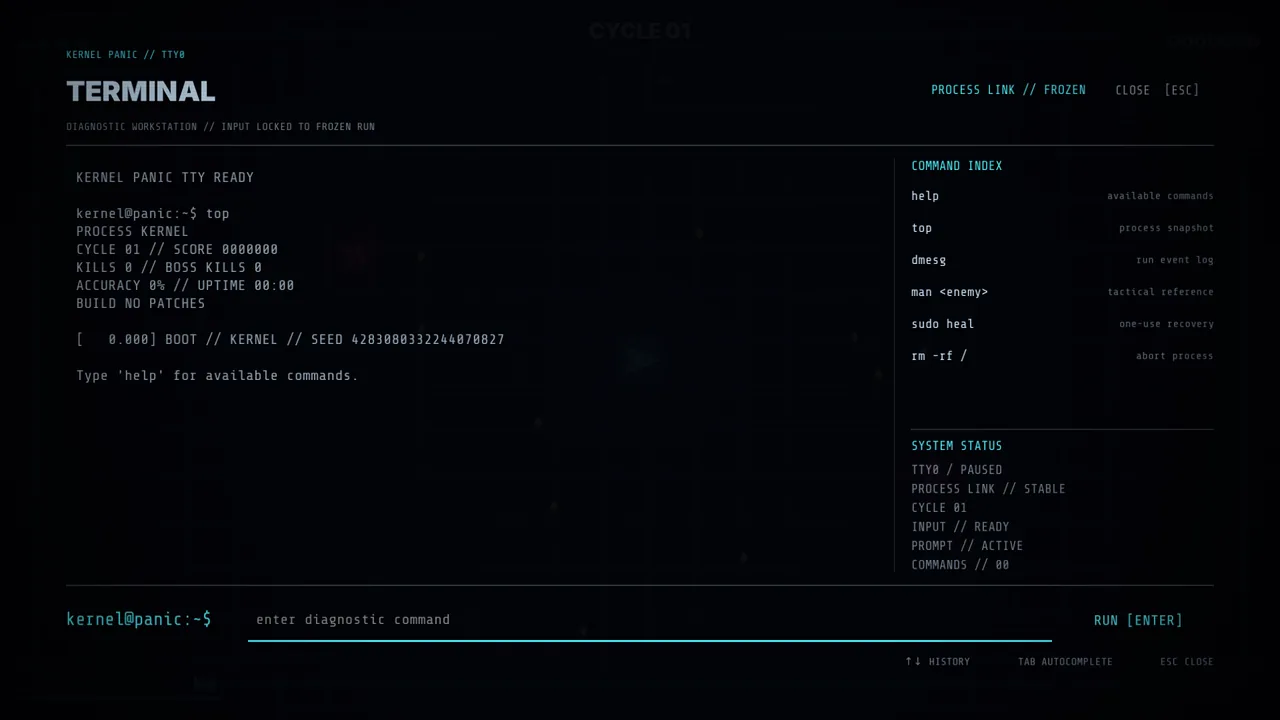
Diagnostic terminal
The pause terminal exposes actual run data and recovery tools through commands such as top, dmesg and man <enemy>.